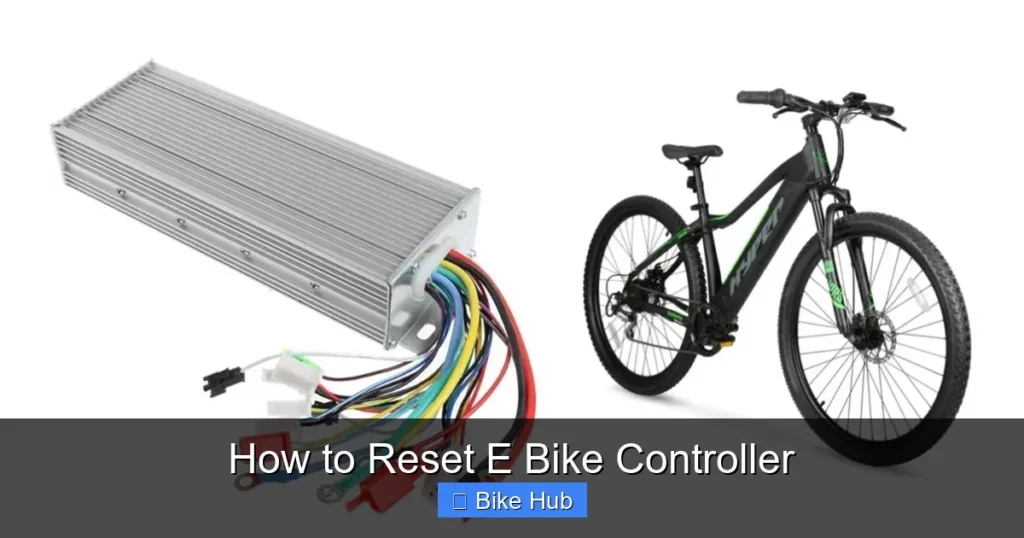
Resetting your e-bike controller can fix common performance issues like unresponsive motors or error codes. This guide walks you through the process safely and clearly, helping you restore full functionality without damaging your bike.
Key Takeaways
- Understand why a reset helps: Resets clear temporary glitches, restore default settings, and resolve communication errors between the battery, motor, and display.
- Always power off first: Turn off the e-bike and disconnect the battery before starting any reset procedure to prevent electrical damage.
- Check your manual: Different brands (like Bosch, Shimano, Bafang, or Yamaha) have unique reset methods—always consult your user guide first.
- Use the right tools: Most resets require no special tools, but a multimeter can help verify connections if problems persist.
- Test after resetting: Ride your e-bike in a safe area to confirm the issue is resolved and all functions work properly.
- When to seek help: If the problem returns or you see persistent error codes, contact a certified technician for deeper diagnostics.
- Prevent future issues: Regular maintenance—like checking connections and keeping firmware updated—reduces the need for resets.
Introduction: Why Resetting Your E-Bike Controller Matters
Your e-bike’s controller is the brain of the system. It manages power delivery from the battery to the motor, interprets input from the throttle or pedal assist sensors, and communicates with the display. When something goes wrong—like sudden power loss, unresponsive pedaling, or flashing error codes—a simple reset can often restore normal operation. Unlike mechanical bike repairs, resetting an e-bike controller is usually quick, safe, and doesn’t require special tools. In this guide, you’ll learn exactly how to reset e bike controller models from popular brands, what to do if the reset fails, and how to avoid common pitfalls.
When Should You Reset Your E-Bike Controller?
Not every e-bike problem requires a full reset, but there are clear signs that it might help. Consider a reset if you notice:
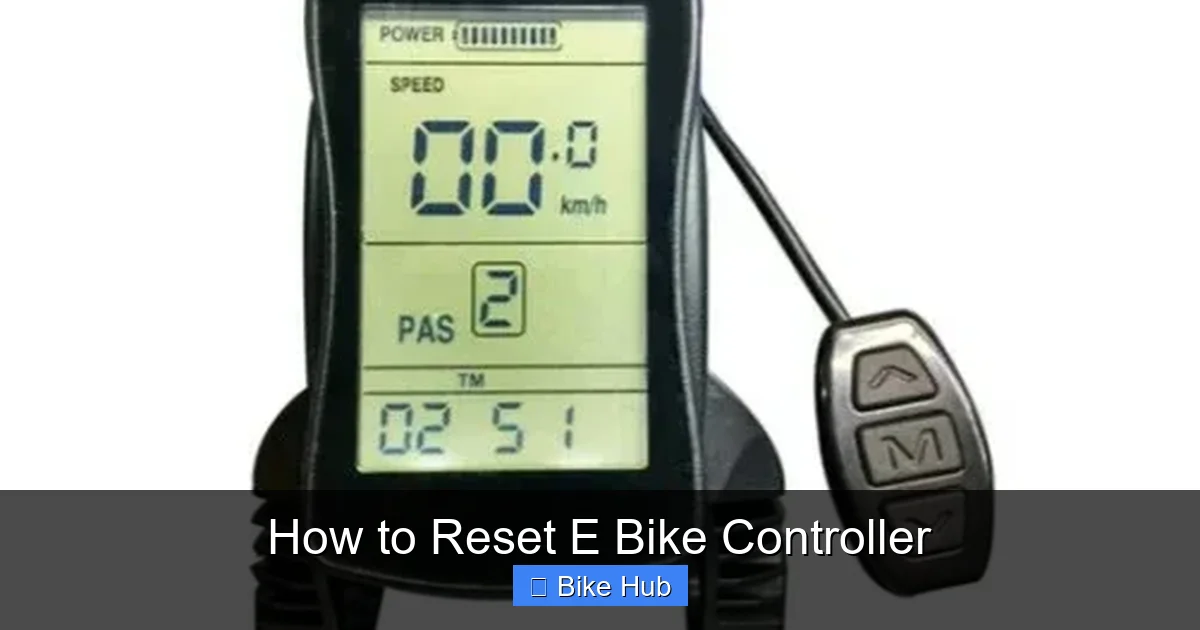
Visual guide about How to Reset E Bike Controller
Image source: cdn.shopify.com
- The motor cuts out unexpectedly during rides
- The display shows error codes (e.g., “E03,” “ERR,” or blinking lights)
- Pedal assist doesn’t engage or feels inconsistent
- The throttle is unresponsive or jerky
- The bike behaves oddly after a firmware update or battery swap
If your e-bike has been stored for a long time—say, over the winter—a reset can also help re-sync components after inactivity. For tips on preparing your bike for seasonal storage, check out our guide on how to prepare bike tires for winter.
General Safety Precautions Before Resetting
Before touching any electrical components, safety comes first. Follow these steps every time:
Visual guide about How to Reset E Bike Controller
Image source: haoqiebike.com
Turn Off the E-Bike
Press and hold the power button on your display until the screen turns off. Never perform a reset while the system is powered on.
Disconnect the Battery
Remove the battery from the frame or disconnect it using the main power connector. This prevents accidental short circuits and protects sensitive electronics. If your battery is built-in, locate the main power switch (if available) and turn it off.
Wait 30–60 Seconds
This allows capacitors in the controller to fully discharge, ensuring a clean reset. Think of it like restarting your phone—it gives the system a fresh start.
Wear Dry Gloves (Optional)
While not required, dry gloves reduce the risk of static discharge, which can damage microelectronics.
Step-by-Step Guide to Resetting Common E-Bike Controllers
The exact reset method varies by brand and model. Below are instructions for the most popular e-bike systems.
Bosch E-Bike Systems
Bosch controllers are found on many premium e-bikes. To reset:
- Turn off the bike and remove the battery.
- Press and hold the power button on the Bosch display for 10 seconds.
- Reinsert the battery and turn the system back on.
- If the issue persists, try a “factory reset” via the Bosch eBike Flow app (for newer models).
Tip: Always ensure your Bosch system has the latest firmware. Outdated software can cause glitches that mimic hardware failures.
Shimano STEPS Systems
Shimano’s STEPS drivetrains use a different approach:
- Power off the bike and disconnect the battery.
- Hold down the assist button (usually on the handlebar remote) for 5–10 seconds.
- Reconnect the battery and power on.
- Check the display for error codes. If none appear, test ride in a safe area.
Note: Some Shimano models require a dealer tool for deep resets. If basic steps don’t work, visit an authorized service center.
Bafang Mid-Drive and Hub Motors
Bafang systems are common on budget and mid-range e-bikes. Reset steps:
- Turn off the bike and unplug the battery.
- Locate the controller (usually under the downtube or inside the rear rack).
- Find the small reset button (often red or black) on the controller housing.
- Use a paperclip or pin to press and hold the button for 5 seconds.
- Reconnect the battery and power on.
Warning: Avoid touching metal parts of the controller while pressing the reset button to prevent static damage.
Yamaha and Other Generic Controllers
Many e-bikes use generic controllers with similar reset logic:
- Power off and disconnect the battery.
- Press and hold the throttle and brake levers simultaneously for 10 seconds.
- Reconnect power and test.
If your bike doesn’t respond, consult the manual—some models require a specific sequence of button presses on the display.
Troubleshooting After a Reset
Sometimes, a reset doesn’t solve the problem. Here’s what to check next:
Persistent Error Codes
If error codes return immediately, the issue may be hardware-related. For example, a faulty torque sensor or damaged wiring can trigger repeated errors. Use a multimeter to test continuity in key connections.
Battery Issues
A weak or unbalanced battery can cause controller malfunctions. Check voltage levels with a multimeter—most e-bike batteries should read between 36V and 48V when fully charged. If readings are low, recharge or replace the battery.
Loose or Corroded Connections
Inspect all cables between the battery, controller, motor, and display. Look for frayed wires, loose plugs, or green corrosion. Clean contacts with isopropyl alcohol and reseat connectors firmly.
Firmware Glitches
Some controllers require firmware updates to fix bugs. Visit your manufacturer’s website or use their app (like Bosch eBike Flow or Shimano E-Tube) to check for updates.
Preventing Future Controller Problems
A little maintenance goes a long way. Follow these best practices to minimize reset needs:
- Keep connections dry: After riding in rain, wipe down connectors and let them air-dry before storing.
- Avoid extreme temperatures: Don’t leave your e-bike in a hot car or freezing garage—heat and cold stress electronics.
- Update firmware regularly: Manufacturers release updates to improve performance and fix bugs.
- Store properly: If you’re not riding for weeks, store the battery at 50–70% charge in a cool, dry place. For more tips, see our guide on how to store bike lubricant—similar principles apply to e-bike components.
- Use quality chargers: Cheap chargers can overcharge or undercharge the battery, leading to controller errors.
When to Call a Professional
While most resets are DIY-friendly, some situations require expert help:
- The controller shows visible damage (burn marks, melted plastic)
- Error codes point to internal faults (e.g., MOSFET failure)
- You’ve tried multiple resets and the problem worsens
- Your warranty is still active—DIY repairs might void it
Certified e-bike technicians have diagnostic tools that can pinpoint issues beyond a simple reset. Don’t risk further damage by forcing a fix.
Conclusion: Reset with Confidence
Resetting your e-bike controller is one of the simplest yet most effective troubleshooting steps you can take. Whether you’re dealing with a glitchy display, unresponsive motor, or mysterious error code, a proper reset often brings your ride back to life. Remember to always power down, disconnect the battery, and follow brand-specific steps. And if you’re ever unsure, consult your manual or reach out to the manufacturer. With regular care and attention, your e-bike will deliver smooth, reliable performance for miles to come. For more bike maintenance tips, explore our guide on how to maintain bike wheels—because a great ride starts with well-kept components.