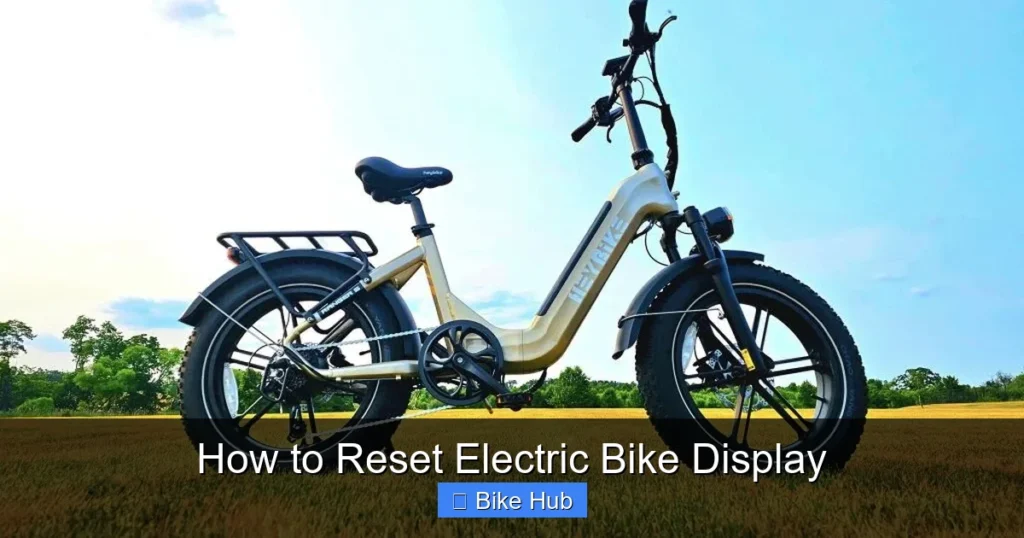
Resetting your electric bike display can solve common issues like frozen screens, incorrect readings, or unresponsive controls. This guide walks you through safe, effective methods to restore your display to working order—no technical skills required.
Key Takeaways
- Power cycling often fixes minor glitches: Simply turning your e-bike off and on can resolve temporary display errors.
- Check the user manual first: Different brands (like Bosch, Shimano, or Bafang) have unique reset procedures—always consult your manual.
- Disconnect the battery safely: For a hard reset, removing the battery for 5–10 minutes clears the system’s memory.
- Look for hidden reset buttons: Some displays have a small pinhole button that requires a paperclip to press.
- Update firmware if available: Manufacturers sometimes release updates that fix display bugs—check their website.
- Contact support if problems persist: If the screen stays blank or behaves oddly after resetting, there may be a hardware issue.
- Regular maintenance prevents issues: Keeping connectors clean and dry helps avoid display malfunctions over time.
Why Reset Your Electric Bike Display?
If your electric bike’s display is acting up—showing wrong speed, not responding to pedal assist, or freezing mid-ride—a reset might be all you need. Displays control everything from battery level to ride modes, so when they glitch, your whole riding experience suffers. Resetting clears temporary software hiccups and restores normal function without needing professional help.
Common signs you need a reset include: a blank screen after turning on, incorrect mileage readings, unresponsive buttons, or the display turning off unexpectedly. These issues are usually software-related and fixable at home. Before assuming it’s a hardware failure, try these simple steps first.
Before You Begin: Safety & Prep
Always prioritize safety when working with your e-bike’s electronics. Start by turning off the bike and removing the key (if applicable). Make sure the bike is on a stable surface—use a bike stand if you have one. Avoid working in wet or humid conditions, as moisture can damage sensitive components.
Gather a few basic tools: a clean cloth, a small Phillips or flathead screwdriver (depending on your model), and possibly a paperclip for pinhole resets. Keep your user manual handy—it’s your best resource for model-specific instructions. If you’ve misplaced it, most manufacturers post digital copies online.
Step 1: Try a Simple Power Cycle
The easiest fix is often the most effective. A power cycle—turning the system off and back on—can clear temporary glitches in the display’s software.
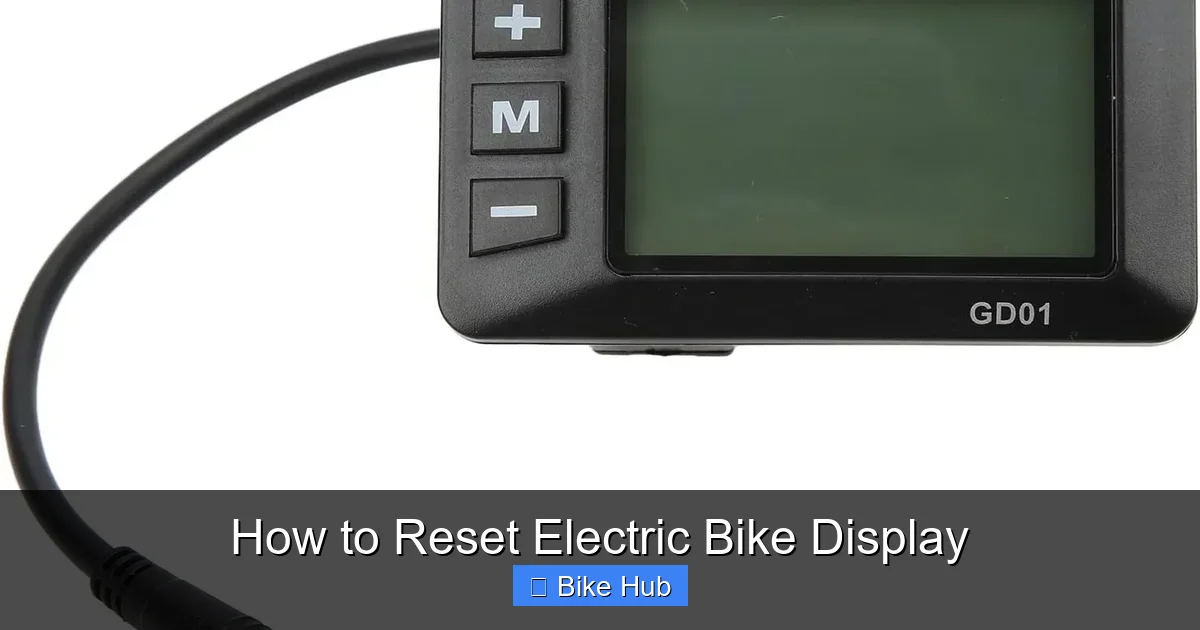
Visual guide about How to Reset Electric Bike Display
Image source: ebycco.com
Turn Off the Bike
Press and hold the power button until the display shuts off completely. Wait at least 10 seconds. This ensures the system fully powers down.
Wait and Restart
After waiting, press the power button again to turn the bike back on. Watch the display closely as it boots up. If it shows the correct battery level, speed, and assist mode, the issue is likely resolved.
Tip: If your bike has a removable battery, try turning it off, removing the battery for 30 seconds, then reinserting it before powering on. This gives the system a cleaner restart.
Step 2: Perform a Hard Reset (Battery Disconnection)
If a power cycle doesn’t work, a hard reset—disconnecting the battery—is the next best step. This clears the bike’s internal memory and resets all electronic components, including the display.
Locate and Remove the Battery
Most e-bike batteries are mounted under the downtube or on the rear rack. Use the key (if your model has one) to unlock it. Gently slide the battery out. Be careful not to yank on the wires—some models have quick-release connectors, while others are hard-mounted.
Wait 5–10 Minutes
Leave the battery disconnected for at least five minutes. This allows any residual charge in the system to dissipate, ensuring a full reset. Ten minutes is even better for stubborn issues.
Reconnect and Test
Reinsert the battery securely and lock it in place. Turn on the bike and check if the display works properly. Look for correct readings, responsive buttons, and normal startup behavior.
Note: Some high-end systems (like Bosch Performance Line) may require a specific startup sequence after a hard reset. Check your manual for details.
Step 3: Use the Hidden Reset Button (If Available)
Many e-bike displays—especially those from brands like Bafang or Tongsheng—have a tiny reset button hidden behind a pinhole on the back or side of the display unit. This is a factory-level reset that restores default settings.
Find the Reset Pinhole
Inspect your display carefully. The reset button is usually labeled “RST” or just a small hole near the edges. It’s often located on the underside or back, so you may need to remove the display from the handlebar to access it.
Press with a Paperclip
Straighten a paperclip and gently insert it into the hole. Press and hold for 3–5 seconds. You might feel a slight click. Do not force it—excessive pressure can damage the button.
Reattach and Power On
If you removed the display, reattach it securely to the handlebar. Turn on the bike and observe the display. It should reboot and return to factory settings. You may need to reconfigure preferences like units (miles vs. kilometers) or backlight brightness.
Step 4: Check for Firmware Updates
Sometimes, display issues stem from outdated firmware. Manufacturers regularly release updates to fix bugs, improve performance, and add features. Updating can resolve persistent glitches that resets alone can’t fix.
Visit the Manufacturer’s Website
Go to the official website of your e-bike brand (e.g., Specialized, Rad Power Bikes, or Trek). Look for a “Support” or “Downloads” section. Search for your specific model and check if a firmware update is available for the display or motor controller.
Use the Companion App (If Applicable)
Many modern e-bikes come with smartphone apps (like the Bosch eBike Connect or Shimano E-Tube app). These apps can check for updates and guide you through the installation process. Make sure your phone is connected to the bike via Bluetooth before starting.
Follow Update Instructions Carefully
Firmware updates must be done with a full battery and stable connection. Interrupting an update can brick the display. Follow the on-screen prompts exactly, and don’t turn off the bike during the process.
Example: Rad Power Bikes users can update their displays via the Rad Power app. The app walks you through each step and confirms when the update is complete.
Troubleshooting Common Reset Issues
Even after resetting, some problems may persist. Here’s how to handle the most common scenarios:
Display Still Blank After Reset
If the screen remains off, check the battery charge. A completely drained battery may not provide enough power to boot the display. Charge it fully and try again. Also, inspect the display cable—loose or corroded connections can prevent power from reaching the screen.
Buttons Are Unresponsive
Dirt, moisture, or wear can cause button failure. Clean around the buttons with a dry cloth. Avoid using water or cleaners. If the issue continues, the button membrane may be damaged and require replacement.
Incorrect Readings After Reset
Sometimes, a reset clears calibration data. For example, your speedometer might show wrong values. Re-calibrate the sensor by riding at a steady speed for a few minutes. Some systems auto-calibrate; others need manual input via the menu.
Error Codes Keep Appearing
Persistent error codes (like “E03” or “Err 5”) indicate deeper issues. Refer to your manual’s error code list. Common causes include faulty sensors, loose wiring, or motor problems. If you can’t resolve it, contact customer support.
When to Seek Professional Help
Most display issues can be fixed at home, but some require expert attention. If your display remains unresponsive after multiple resets, shows physical damage (cracks, burn marks), or emits unusual sounds, stop using the bike and consult a certified e-bike technician. Attempting DIY repairs on complex electronics can void your warranty or cause further damage.
Also, if your bike is still under warranty, contact the manufacturer before opening any components. They may offer free repair or replacement.
Preventing Future Display Problems
A little maintenance goes a long way. To keep your display in top shape:
- Keep it clean: Wipe the screen with a microfiber cloth regularly. Avoid harsh chemicals.
- Protect from weather: Use a display cover in rain or snow. Moisture is a leading cause of electrical failure.
- Check connections: Every few months, inspect the cable between the display and controller. Ensure it’s snug and free of corrosion.
- Store properly: If you’re not riding for a while, store your bike in a dry, temperature-controlled space. For long-term storage, remove the battery and keep it at 50% charge.
For more on bike care, check out our guide on how to store a recumbent bike—many of the same principles apply to e-bikes.
Conclusion
Resetting your electric bike display is a simple yet powerful troubleshooting step that can save you time and money. From basic power cycles to hidden reset buttons, most issues are fixable with a few minutes of effort. Always start with the safest method and work your way up. And remember—regular care prevents most problems before they start.
If you’ve tried everything and your display still isn’t working, don’t hesitate to reach out to the manufacturer or a local e-bike shop. Your safety and riding enjoyment are worth it.