Resetting your electric bike battery can resolve power issues, improve performance, and extend its lifespan. This guide walks you through safe, step-by-step methods to reset your e-bike battery, whether it’s unresponsive, draining too fast, or not charging properly.
Key Takeaways
- Understand when a reset is needed: Common signs include sudden power loss, failure to charge, or erratic display readings.
- Always power off the bike first: Safety is critical—never attempt a reset while the system is active.
- Try a soft reset before a hard reset: A simple power cycle often fixes minor glitches without disconnecting components.
- Check connections and fuses: Loose wires or blown fuses can mimic battery failure and prevent proper reset.
- Use manufacturer guidelines: Refer to your e-bike’s manual for model-specific reset procedures.
- Maintain regular care: Proper charging, storage, and cleaning help prevent the need for frequent resets.
- Know when to seek help: If problems persist after a reset, consult a professional to avoid damaging the battery or motor.
How to Reset Electric Bike Battery: A Complete Guide
Is your electric bike acting up? Maybe the battery won’t charge, the motor cuts out unexpectedly, or the display shows confusing error codes. Before you panic—or worse, replace the entire battery—consider this: a simple reset might be all you need. Resetting your electric bike battery is a safe, effective way to restore normal function and get you back on the road.
In this guide, you’ll learn exactly how to reset electric bike battery systems, whether you’re dealing with a basic power glitch or a more persistent issue. We’ll cover soft resets, hard resets, troubleshooting tips, and maintenance advice to keep your e-bike running smoothly. No technical expertise required—just follow along step by step.
Why Reset Your Electric Bike Battery?
Electric bike batteries are smart systems. They communicate with the motor, display, and controller to manage power delivery, safety, and performance. But like any electronic device, they can occasionally freeze, misread data, or enter a fault state. A reset clears temporary errors and reboots the system—similar to restarting a frozen phone.
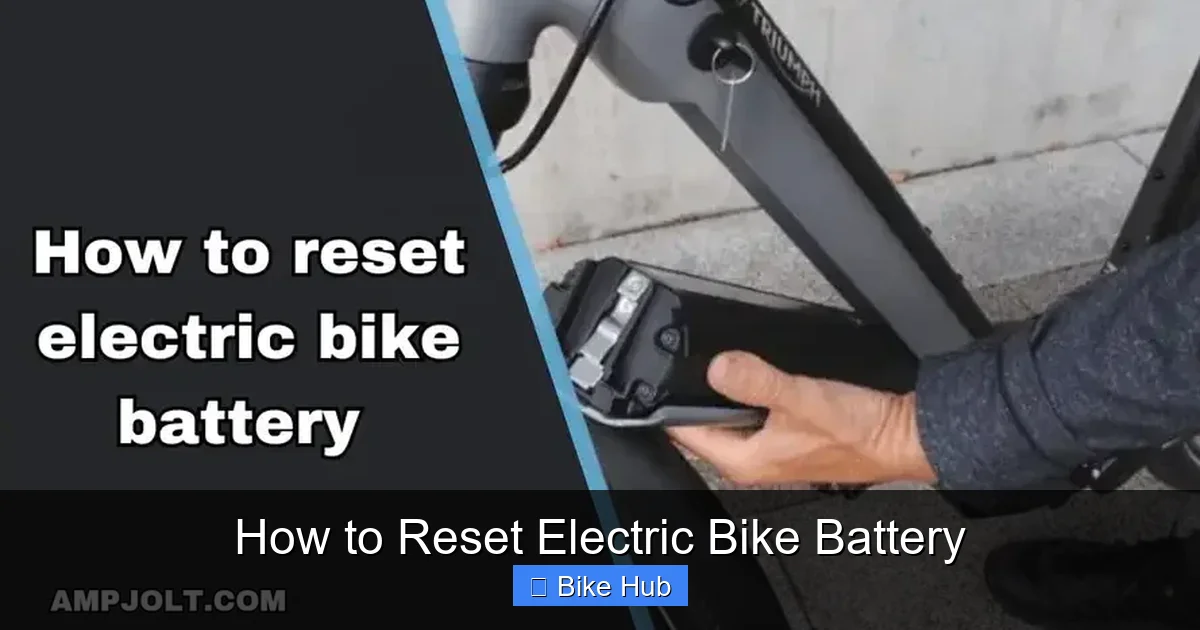
Visual guide about How to Reset Electric Bike Battery
Image source: ampjolt.s3.amazonaws.com
Common reasons to reset include:
- Battery not charging despite being plugged in
- Motor cutting out during rides
- Display showing incorrect battery percentage or error codes
- Bike not turning on even with a full charge
- Sudden loss of power mid-ride
Resetting won’t fix physical damage—like a swollen battery or broken cells—but it can resolve software-related hiccups that mimic hardware failure.
Before You Begin: Safety First
Always prioritize safety when working with e-bike batteries. These are high-voltage systems, and mishandling them can lead to injury or fire.
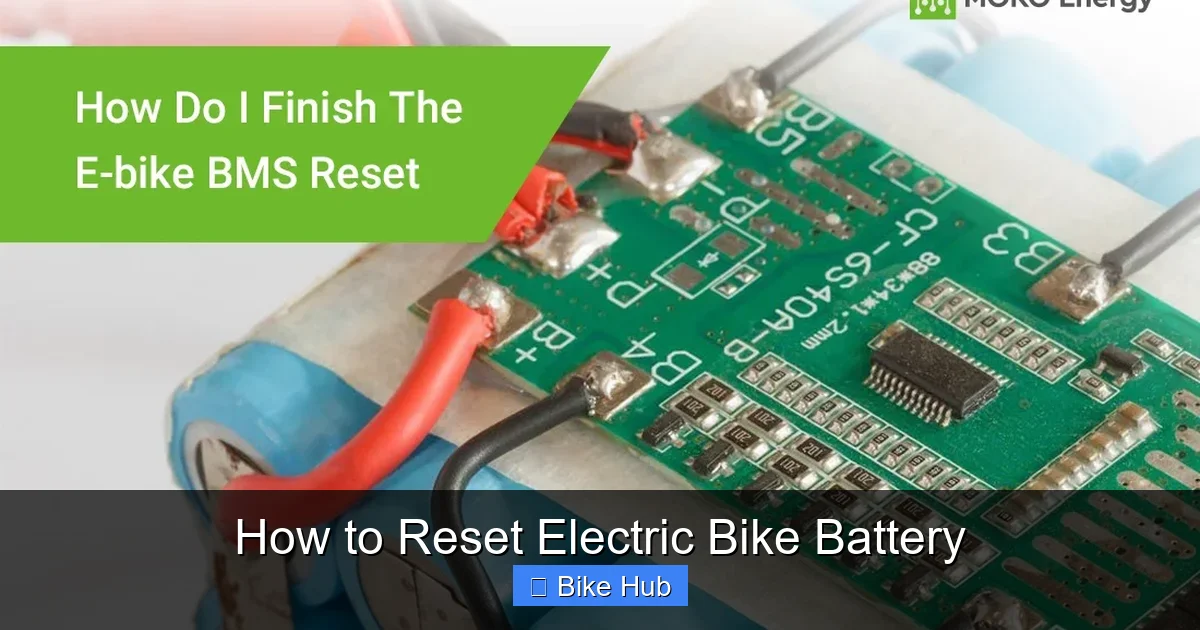
Visual guide about How to Reset Electric Bike Battery
Image source: mokoenergy.com
Turn Off the Bike
Make sure your e-bike is completely powered off. Remove the key if it has one, and press the power button until the display shuts down.
Disconnect from Charger
If the battery is plugged in, unplug it from the charger and the bike. Never reset while charging.
Wear Protective Gear
Use gloves and safety glasses, especially if you’re opening the battery casing. Avoid touching exposed terminals.
Work in a Dry, Well-Ventilated Area
Moisture and heat can damage electronics. Choose a clean, dry workspace away from direct sunlight or water sources.
Step 1: Try a Soft Reset (Power Cycle)
A soft reset is the easiest and safest first step. It’s like turning your TV off and on again—simple but surprisingly effective.
Step-by-Step Soft Reset
- Turn off the e-bike using the power button.
- Remove the battery from the bike (if removable). If it’s built-in, skip to step 4.
- Wait 30 seconds to 1 minute. This allows capacitors to discharge and the system to fully reset.
- Reinsert the battery firmly, ensuring it clicks into place.
- Turn the bike back on and check if the issue is resolved.
Tip: Some riders report success by pressing and holding the power button for 10–15 seconds while the battery is out. This can help discharge residual power.
If the problem persists, move on to a hard reset.
Step 2: Perform a Hard Reset (Full System Reboot)
A hard reset goes deeper than a soft reset. It clears stored error codes and resets the battery management system (BMS). This method is more effective for persistent issues.
Step-by-Step Hard Reset
- Power off the bike completely.
- Remove the battery from the frame.
- Locate the battery’s main power terminals (usually covered by a protective cap).
- Use a non-conductive tool (like a plastic spudger) to gently press the small reset button inside the terminal compartment—if your model has one. Not all batteries include this feature.
- If there’s no reset button, disconnect the battery’s main connector from the bike’s wiring harness (only if you’re comfortable doing so).
- Wait 2–5 minutes to allow the BMS to fully discharge.
- Reconnect the battery and reinsert it into the bike.
- Turn the bike on and test the system.
Note: Some high-end e-bikes (like those from Bosch or Shimano) have proprietary reset procedures. Always check your user manual first.
Step 3: Check Connections and Fuses
Sometimes, the issue isn’t the battery itself—it’s a loose connection or a blown fuse. These problems can prevent the battery from communicating with the motor or display, making a reset ineffective.
Inspect Battery Terminals
Look for corrosion, dirt, or loose contacts. Clean terminals with a dry cloth or a cotton swab dipped in isopropyl alcohol. Avoid water.
Check the Main Fuse
Most e-bike batteries have an internal fuse. If it’s blown, the battery won’t deliver power—even if it shows a full charge. Refer to your manual to locate and test the fuse. Replace it only with the correct rating.
Test the Charging Port
Use a multimeter to check if the charging port is receiving power. If not, the issue may be with the charger or port, not the battery.
For help with related maintenance, see our guide on how to charge bike camera battery—many of the same principles apply to e-bike systems.
Step 4: Use the Manufacturer’s Reset Procedure
Many e-bike brands have unique reset methods. Always consult your user manual before attempting advanced resets.
Examples by Brand
- Bosch: Turn off the bike, hold the “On/Off” and “Info” buttons for 10 seconds, then release.
- Shimano: Power off, press and hold the mode button for 5 seconds until the display resets.
- Bafang: Some models require a specific sequence of pedal rotations or button presses.
If you’ve lost your manual, search online using your bike’s model number. Most manufacturers provide digital copies.
Troubleshooting Common Reset Issues
Even after a reset, problems may persist. Here’s how to diagnose and fix them.
Battery Still Won’t Charge
- Try a different charger to rule out charger failure.
- Check if the battery is overheating—let it cool before charging.
- Ensure the outlet is working by testing another device.
Display Shows Error Codes
Look up the code in your manual. Common codes include “E01” (communication error) or “E03” (overcurrent). These often resolve after a reset, but recurring codes may indicate a deeper issue.
Battery Drains Too Fast
A reset won’t fix a degraded battery, but it can help the BMS recalibrate. If the problem continues, the battery may need replacement. For tips on maintaining battery health, check out our article on how to store bike lubricant—proper storage habits extend the life of all bike components, including batteries.
Bike Turns On But Motor Doesn’t Engage
This could be a sensor issue. Check the pedal assist sensor and throttle connection. A reset may restore communication between components.
When to Seek Professional Help
Resetting is a great first step, but it’s not a cure-all. If your e-bike still doesn’t work after multiple resets, it’s time to consult a technician.
Signs you need professional assistance:
- Battery is swollen, leaking, or smells burnt
- Error codes keep returning
- Motor makes unusual noises
- Bike shuts down randomly during rides
Attempting complex repairs yourself can void warranties or cause further damage. For safety and peace of mind, visit an authorized e-bike service center.
How to Prevent Future Battery Issues
Prevention is better than cure. Follow these tips to reduce the need for resets and extend your battery’s lifespan.
Charge Properly
Use only the manufacturer-recommended charger. Avoid overcharging—unplug once the battery reaches 100%. For long-term storage, keep the charge between 40% and 60%.
Store Correctly
Keep your e-bike in a cool, dry place. Extreme heat or cold can damage battery cells. If storing for weeks, charge it monthly to prevent deep discharge.
Clean Regularly
Dust and grime can interfere with connections. Wipe down the battery and terminals with a dry cloth after rides, especially in muddy or wet conditions.
Avoid Deep Discharges
Try not to let the battery drop below 10%. Frequent deep discharges shorten battery life.
For more on e-bike care, read our guide on how to prepare a mountain bike for long rides—many of the same principles apply to electric models.
Conclusion
Resetting your electric bike battery is a simple yet powerful troubleshooting tool. Whether you’re dealing with a charging issue, a frozen display, or unexpected power loss, a reset can often restore normal function without costly repairs.
Start with a soft reset, move to a hard reset if needed, and always check connections and fuses. Follow your manufacturer’s guidelines, and don’t hesitate to seek help if problems persist. With proper care and occasional resets, your e-bike battery will deliver reliable performance for years to come.
Now that you know how to reset electric bike battery systems safely and effectively, you’re ready to tackle common issues with confidence. Ride on!