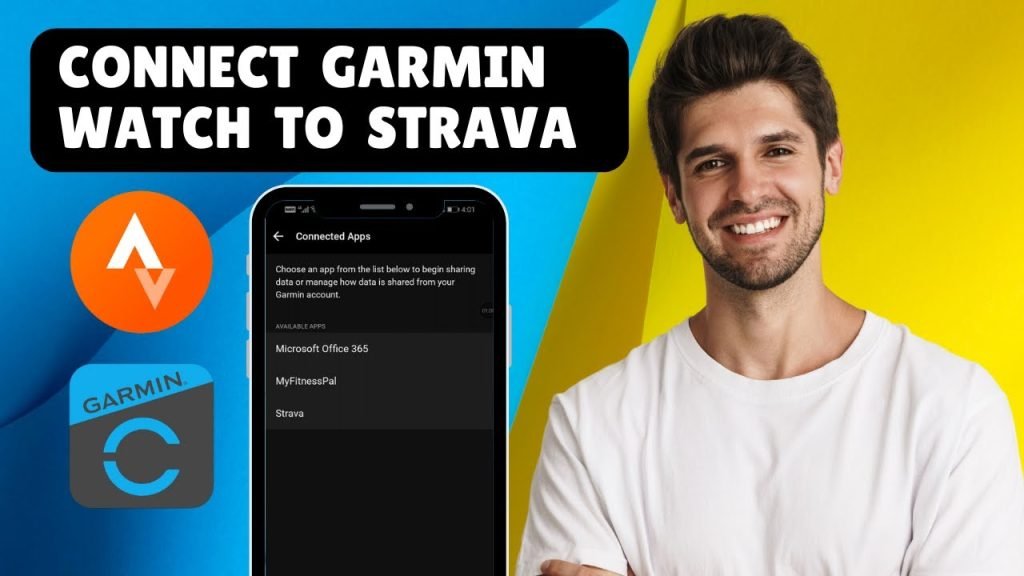
Are you ready to get the most out of your cycling smartwatch? Connecting it to Strava can unlock a whole new level of tracking and motivation for your rides.
Whether you want to analyze your performance, share your progress with friends, or join challenges, linking your device to Strava is the first step. In this guide, you’ll learn exactly how to connect your cycling smartwatch to Strava quickly and easily—no tech headaches, just simple steps that work.
Keep reading to make every ride count!

Credit: m.youtube.com
Choosing The Right Smartwatch
Choosing the right cycling smartwatch can make a huge difference in how you track and improve your rides. It’s not just about style or brand; it’s about how well the watch works with your favorite apps like Strava. Picking a watch that fits your specific needs will save you time and frustration.
Compatibility With Strava
Before buying a smartwatch, check if it supports direct syncing with Strava. Not all watches connect seamlessly. Some require third-party apps or manual uploads, which can be a hassle after every ride.
Popular brands like Garmin, Suunto, and Polar usually offer native Strava integration. Apple Watch also syncs well via the Strava app. If your watch can automatically upload your rides, you’ll spend more time cycling and less time managing data.
Features To Consider
Think about the features you actually need. GPS accuracy is key—poor tracking means inaccurate ride stats. Battery life matters too; you don’t want your watch dying mid-ride.
- Heart rate monitoring:Helps you train smarter by tracking your effort.
- Water resistance:Essential if you ride in the rain or sweat heavily.
- Customizable data screens:So you see the info you care about while riding.
- Durability:A sturdy watch stands up to rough trails and falls.
Ask yourself: Which features will enhance your riding experience? Sometimes, a simpler watch with excellent Strava compatibility is better than a complicated one loaded with unused functions.
Preparing Your Smartwatch
Preparing your cycling smartwatch before connecting it to Strava is key for a smooth experience. A ready device captures accurate data and syncs easily. Start with essential checks to make sure everything works well.
Updating The Software
Keep your smartwatch software up to date. Updates fix bugs and add new features. Connect your watch to Wi-Fi or your phone app. Follow prompts to download and install the latest version. Updated software improves performance and compatibility with Strava.
Ensuring Gps Activation
GPS must be active for accurate ride tracking. Open your watch settings and find location or GPS options. Turn on GPS or location services. Some watches have a specific cycling mode that uses GPS. Confirm the watch can find satellites before you start your ride.
Setting Up Strava Account
Setting up your Strava account is the first essential step before connecting your cycling smartwatch. This process is straightforward and designed to get you riding and tracking your progress quickly. Understanding how to create an account and what features Strava offers will help you get the most out of your cycling data.
Creating An Account
To start, visit the Strava website or download the Strava app on your smartphone. You can sign up using your email address, Google account, or Facebook profile. The registration only takes a few minutes, requiring basic information like your name, email, and a password.
After signing up, you’ll be prompted to enter some personal details such as your weight, height, and cycling preferences. This information helps Strava provide more accurate data and personalized insights. Have you noticed how small details can improve your workout feedback?
Exploring Strava Features
Once your account is set, take a moment to explore Strava’s key features. You can track rides, analyze performance metrics, and join challenges that motivate you to push harder. The social aspect allows you to follow friends, comment on their activities, and share your achievements.
Strava also offers segments—specific stretches of road or trail where you can compete against other cyclists. This feature keeps your rides exciting and competitive. What kind of motivation works best for you: personal goals or friendly rivalry?
Connecting Smartwatch To Strava
Connecting your cycling smartwatch to Strava opens up a world of tracking and sharing your rides with ease. It’s a straightforward process that lets you automatically upload your workout data. Whether you want to analyze your performance or share your achievements, syncing your devices is the first step.
Using Bluetooth
Most smartwatches use Bluetooth to connect with your smartphone or directly to apps like Strava. Start by enabling Bluetooth on both your watch and phone. This wireless link allows your devices to communicate without any cables.
On your watch, navigate to the settings menu and find Bluetooth options. Make sure your watch is discoverable. Then, on your phone, open Bluetooth settings and look for your watch’s name in the list of available devices.
Once paired, your smartwatch can send ride data to your phone, which then uploads it to Strava. This connection usually happens automatically after your ride, saving you the hassle of manual uploads. Have you ever missed tracking a ride because you forgot to sync? Bluetooth helps prevent that.
Linking Through Companion App
Many smartwatches come with a companion app that acts as a bridge between your device and Strava. Download the app from your phone’s app store if you haven’t already. After installing, sign in or create an account to get started.
Inside the companion app, look for the option to connect or link with Strava. You’ll be prompted to log into your Strava account and authorize the connection. This step grants the app permission to send your workout data directly to Strava’s servers.
Once linked, your rides will sync automatically after each workout. The app often offers extra features like detailed ride stats and firmware updates. Have you checked if your companion app supports this integration? It can save you time and keep your cycling data organized effortlessly.
Syncing Data With Strava
Syncing data with Strava lets you track and analyze your cycling workouts easily. It helps you keep all your ride information in one place. You can view your speed, distance, and route on Strava’s platform. Syncing also allows you to share your progress with friends and join challenges.
Manual Sync
Manual sync means you transfer data yourself from your smartwatch to Strava. Most smartwatches let you export ride files in formats like .fit or .gpx. You can upload these files directly on Strava’s website or app.
- Connect your smartwatch to your computer or phone.
- Find the ride file in your device’s storage.
- Log in to your Strava account.
- Go to the upload section and select the file.
- Wait for Strava to process and save the ride.
This method works well if your watch does not support automatic syncing or lacks a direct Strava connection.
Automatic Sync Options
Many cycling smartwatches support automatic syncing with Strava. This happens through apps or cloud services linked to your watch account. Once set up, your rides upload to Strava without extra steps.
- Open your smartwatch app on your phone.
- Find the option to connect with Strava.
- Authorize the connection with your Strava login.
- Start your ride as usual on the watch.
- After finishing, the data uploads automatically.
Automatic sync saves time and keeps your data updated without manual work.

Credit: www.youtube.com
Troubleshooting Common Issues
Connecting your cycling smartwatch to Strava should be seamless, but sometimes issues pop up that stop your rides from syncing perfectly. These hiccups can be frustrating, especially when you want to review your performance or share your progress. Troubleshooting these common problems can save you time and get you back on track quickly.
Connection Problems
One frequent issue is the smartwatch not connecting to Strava at all. This can happen if your devices aren’t paired correctly or if the Bluetooth connection drops.
- Check your Bluetooth settings:Make sure Bluetooth is enabled on both your watch and phone. Sometimes toggling Bluetooth off and on can fix temporary glitches.
- Verify app permissions:Strava needs permission to access your device data. Go to your phone’s settings and ensure Strava has the necessary access.
- Restart your devices:Turning off and then on your smartwatch and phone often resolves hidden connectivity bugs.
Have you noticed your watch frequently disconnects during rides? Keeping your devices close together can help maintain a stable connection.
Data Sync Failures
Sometimes, your rides appear on your watch but don’t show up in Strava. This is usually a sync failure, which means the data isn’t transferring properly.
- Update your apps:Both your smartwatch firmware and the Strava app should be up to date to avoid compatibility issues.
- Check internet connection:Syncing requires a stable Wi-Fi or cellular connection. Confirm your phone is online when attempting to sync.
- Manual sync:Some smartwatches allow manual data transfer. Try triggering a sync from the watch or within the Strava app.
- Clear cache:On your phone, clearing the Strava app cache can sometimes fix stuck sync attempts.
Have you tried syncing right after your ride versus waiting hours? Immediate sync attempts often work better before any background process interferes.
Maximizing Strava And Smartwatch Features
Connecting your cycling smartwatch to Strava opens up a world of possibilities beyond just recording your rides. You can dive deeper into your cycling data and engage with a community that motivates you to push harder. Let’s look at how you can get the most out of this powerful combo.
Tracking Performance Metrics
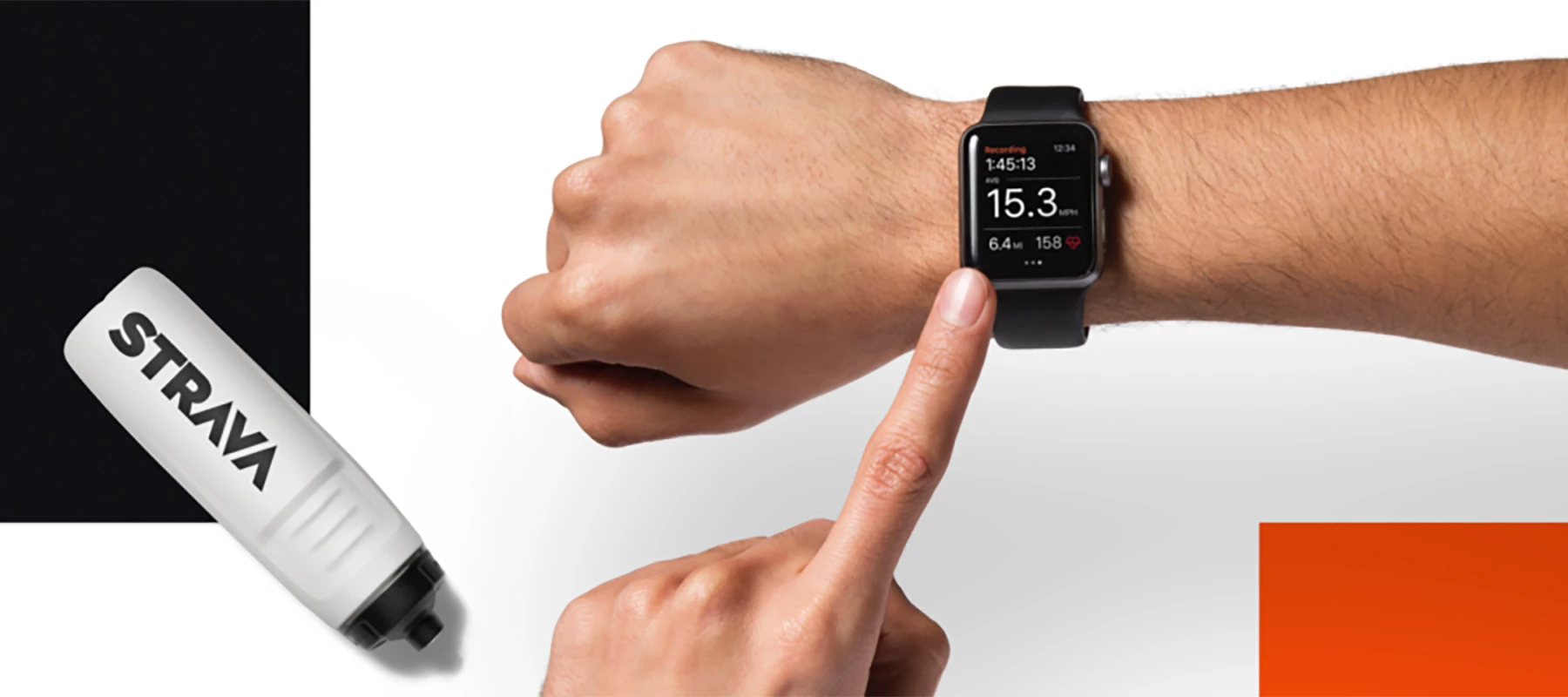
Strava paired with your smartwatch tracks more than just distance and speed. You get detailed insights like heart rate, cadence, power output, and even elevation gain. These metrics reveal how your body responds during different parts of your ride.
For example, noticing a drop in cadence uphill can help you adjust your gear shifting or pacing strategy. You can also set personal goals based on these stats, such as maintaining a certain heart rate zone for endurance training. Have you checked which metric best predicts your improvement?
Regularly reviewing these performance numbers helps you spot trends and avoid plateaus. Plus, syncing your smartwatch data automatically updates your Strava profile, so you see progress in real time without manual input.
Joining Challenges And Clubs
Strava’s challenges turn your rides into fun competitions with real rewards, while clubs connect you with cyclists who share your interests. Joining a challenge can motivate you to cycle further or more frequently than usual.
Clubs offer more than just camaraderie—they provide local ride info, training tips, and event notifications. For instance, joining a local cycling club on Strava helped me discover new routes and meet riders who pushed me to train smarter.
Are you using challenges or clubs to keep your cycling routine exciting? Engaging with others through your smartwatch and Strava creates accountability and makes every ride feel purposeful.
Credit: communityhub.strava.com
Frequently Asked Questions
How Do I Connect My Cycling Smartwatch To Strava?
To connect, open your smartwatch app and find the Strava integration option. Log in to your Strava account and authorize access. Sync your device to upload cycling data automatically to Strava for tracking and sharing.
Can I Sync Multiple Smartwatches With One Strava Account?
Yes, you can link multiple devices to a single Strava account. Just authorize each smartwatch individually through its app. Strava will consolidate all your cycling activities from different devices in one place.
What Should I Do If My Smartwatch Won’t Sync With Strava?
Check your internet connection and app permissions first. Ensure your watch software and Strava app are updated. Try disconnecting and reconnecting Strava in your watch app settings to resolve syncing issues.
Is Strava Free To Use With My Cycling Smartwatch?
Yes, basic Strava features, including syncing with smartwatches, are free. However, premium Strava subscriptions offer advanced metrics and training tools that enhance your cycling experience.
Conclusion
Connecting your cycling smartwatch to Strava is simple and quick. Follow the steps carefully to sync your rides. This helps track your progress and share your achievements. You can enjoy detailed stats and better training plans. Stay motivated by seeing your improvements over time.
Keep your devices updated to avoid syncing issues. Start riding and let Strava do the rest. Your cycling experience becomes smarter and more fun. Try it today and enjoy every ride more.