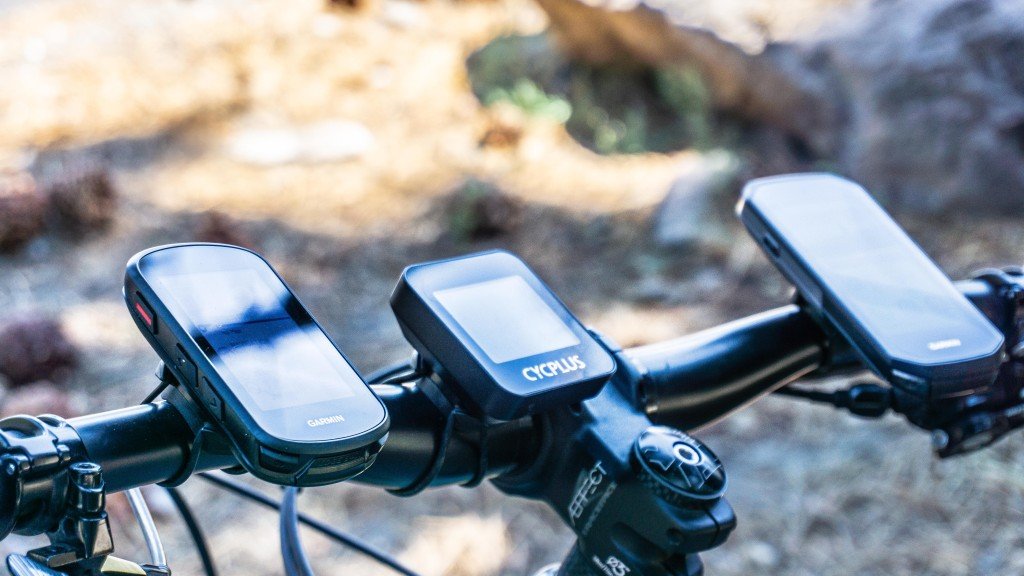
If you rely on your commuter bike every day, you know how important it is to keep it safe. Adding a GPS tracker to your bike can give you peace of mind and protect your investment.
But how do you do it? You’ll discover simple, step-by-step tips to add a GPS tracker to your commuter bike quickly and easily. By the end, you’ll have a clear plan to keep your bike secure wherever you go. Keep reading to find out how!
Benefits Of Gps Trackers For Bikes
GPS trackersgreatly improve bike security. They allow real-time location tracking, helping owners see exactly where their bike is anytime. This feature is very useful for keeping an eye on the bike during rides or when parked.
In case of theft, GPS trackers provide theft recovery support. Police can use the tracker data to find and return the bike quickly. This increases the chances of getting the bike back safely.
- Real-time tracking:Know your bike’s exact location anytime.
- Theft recovery:Helps authorities locate stolen bikes fast.
- Peace of mind:Feel safer leaving your bike in public places.
Choosing The Right Gps Tracker
GPS trackers for bikes come in different types. Some are real-time trackersthat send live location updates. Others only record the route to check later. Choose based on how often you want updates.
Battery lifeis key. Some trackers use rechargeable batteries lasting days. Others use replaceable ones that can last months. Consider how often you can charge or change batteries.
Size matters. Small trackers are easy to hide and carry. Look for models that fit your bike frame or attach under the seat. The mounting optionsshould be secure to avoid loss.
Check connectivity features. Many trackers use GPS plus cellular networks. Some connect via Bluetooth to your phone. Make sure the tracker works well in your area and matches your phone.
Preparing Your Commuter Bike
Gather all tools and materialsbefore starting. You will need:
- A GPS tracker device
- Zip ties or mounting brackets
- Small screwdriver
- Double-sided tape or Velcro
- Waterproof casing or cover
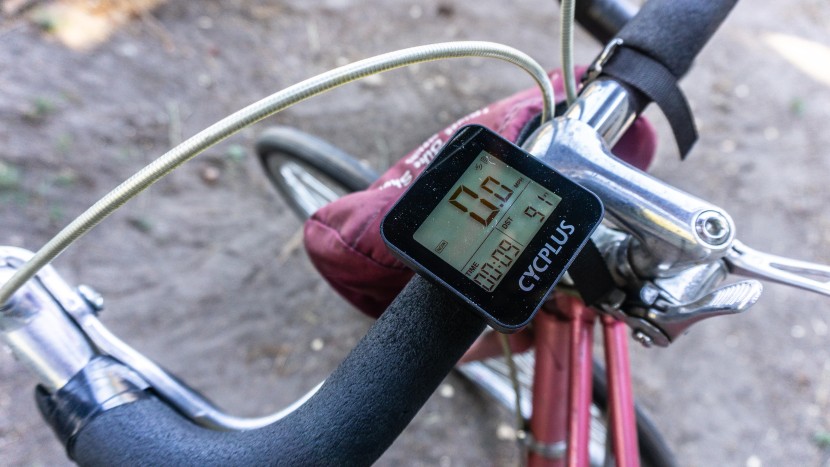
Choose a spot on the bike that is hiddenand secure. Good places include under the seat or inside the bike frame. Avoid areas near moving parts.
Protect the GPS tracker from rain and dust. Use a waterproof case or wrap it with plastic. Make sure it does not block GPS signals.
Credit: www.outdoorgearlab.com
Step-by-step Installation Guide
Begin by choosing a small GPS tracker that fits your bike frame. Secure the device using zip ties or mounting brackets. Connect the tracker to a power source, then test it to ensure it works correctly.
Attaching The Gps Tracker
Find a hidden spot on your bike. This keeps the GPS trackersafe. Use strong tapeor a small bracketto attach it. Ensure it stays firm and does not move.
Securing The Device
Secure the device with cable ties. This stops it from falling. Make sure it’s tightly held. Check for any loose ends.
Connecting To Power Source
Connect the tracker to your bike’s battery. Use the provided wires. Make sure they are tightly connected. This ensures the tracker works well.
Testing The Tracker Functionality
Turn on the trackerand check its signals. Use your phone to see if it shows the right place. Walk a bit to see if it tracks movement.
Setting Up The Tracking App
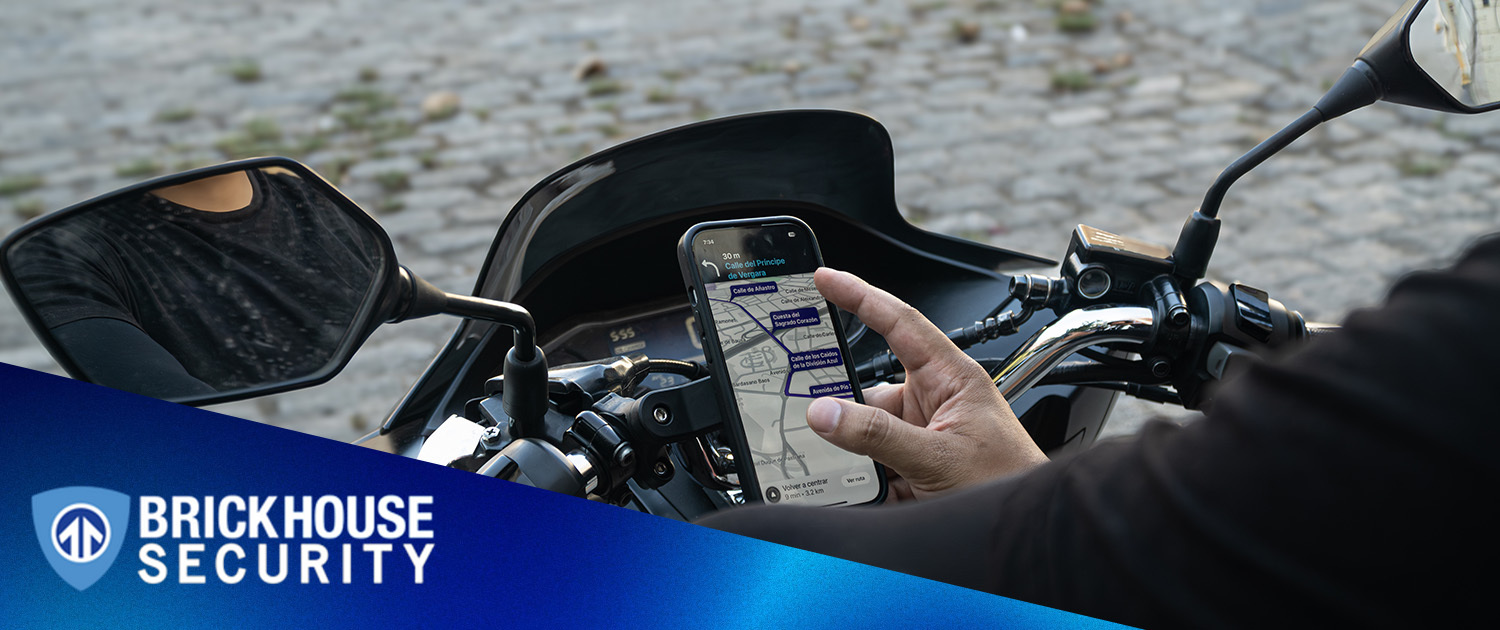
Begin by downloading the tracking app on your smartphone. Connect the GPS tracker to the app using Bluetooth or Wi-Fi. Adjust settings to start real-time tracking of your commuter bike easily.
Downloading The App
Begin by searching for the tracking app in your app store. Look for the app that matches your GPS tracker brand. Click on the install button to start downloading. Wait for it to finish. It might take a few minutes.Creating An Account
Open the app after installing. Tap on the sign-up button. Enter your email and choose a secure password. Fill out any required information. Confirm your email address if needed.Syncing The Tracker
Switch on your GPS tracker device. Ensure Bluetooth or Wi-Fi is enabled on your phone. Open the app and find the sync option. Follow on-screen instructions to pair the tracker. It should connect in a few seconds.Customizing Alerts And Notifications
Go to the settings in your app. Choose alerts and notifications. Set up alerts for low battery or movement. Customize the notification tone and frequency. Ensure you save your settings. `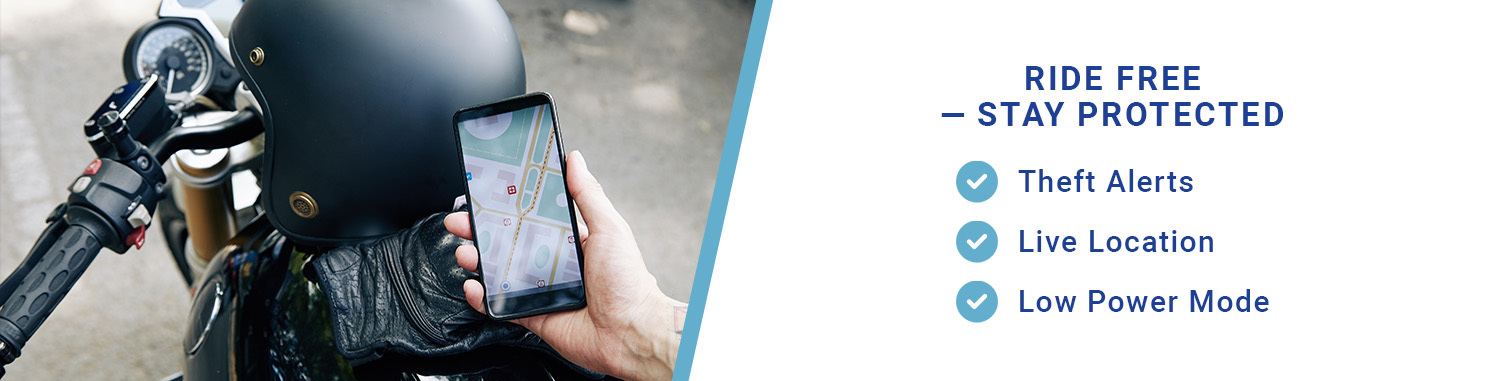
Credit: www.brickhousesecurity.com
Maintenance Tips For Gps Trackers
Check the GPS tracker batteryoften to keep it working. A low battery can stop the tracker from sending signals. Charge it regularly or replace the battery when needed. This helps avoid unexpected power loss.
Keep the firmware updated. Updates fix bugs and add new features. Connect the tracker to your phone or computer to check for updates. Installing updates improves performance and security.
- Restart the device if it stops working.
- Make sure the tracker has a clear view of the sky for better signals.
- Check the app for error messages or alerts.
- Reset the device if it freezes or behaves strangely.
Additional Safety Measures
Bike locksprotect your commuter bike from theft. Choose a strong lock like U-locks or chain locks. Always lock your bike to a fixed object. This simple step lowers the risk of your bike being stolen.
Registering your bike helps track it if lost or stolen. Many cities offer free bike registration services. Register online or through local police stations. This makes it easier to recover your bike.
| Insurance Option | Description | Benefit |
|---|---|---|
| Bike Theft Insurance | Covers loss due to theft. | Get money back if your bike is stolen. |
| Accident Insurance | Covers damage from crashes. | Helps pay for repairs or medical bills. |
| Liability Insurance | Covers damage to others. | Protects you from legal costs. |
Credit: www.brickhousesecurity.com
Frequently Asked Questions
What Is The Best Gps Tracker For Commuter Bikes?
The best GPS tracker is compact, waterproof, and has long battery life. Look for real-time tracking and geofencing features. Popular brands include Tile, Spytec, and Garmin. Choose one that fits your budget and bike type.
How Do I Install A Gps Tracker On My Bike?
Installation is simple: attach the tracker under the seat or frame. Use zip ties or adhesive mounts for secure placement. Ensure the tracker is hidden to avoid theft. Follow the manufacturer’s instructions for activation and app setup.
Can Gps Trackers Prevent Bike Theft Effectively?
Yes, GPS trackers help recover stolen bikes quickly. They provide real-time location updates and alerts if the bike moves unexpectedly. While they don’t prevent theft, they increase the chances of retrieval. Always combine with physical locks for best security.
How Long Does A Gps Tracker Battery Last On Bikes?
Battery life varies from a few days to several months. It depends on usage, tracker type, and update frequency. Rechargeable trackers need regular charging, while replaceable batteries last longer. Choose a tracker with battery life that matches your commuting needs.
Conclusion
Adding a GPS tracker to your commuter bike helps keep it safe and easy to find. Choose a tracker that fits your bike and budget. Follow the steps carefully to install it well. Regularly check the device to ensure it works properly.
This small step adds peace of mind during every ride. Stay connected and protect your bike from theft. Simple, smart, and useful for daily commuting.